

OKM Underground Imaging Systems
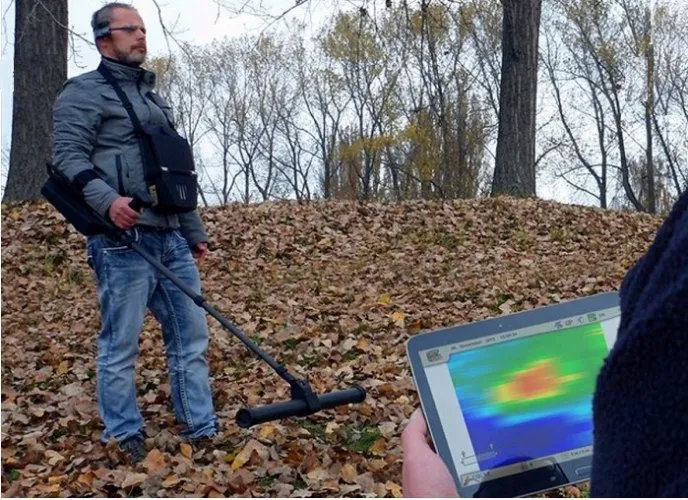
Okm Exp 4500 Pro Plus (Full)
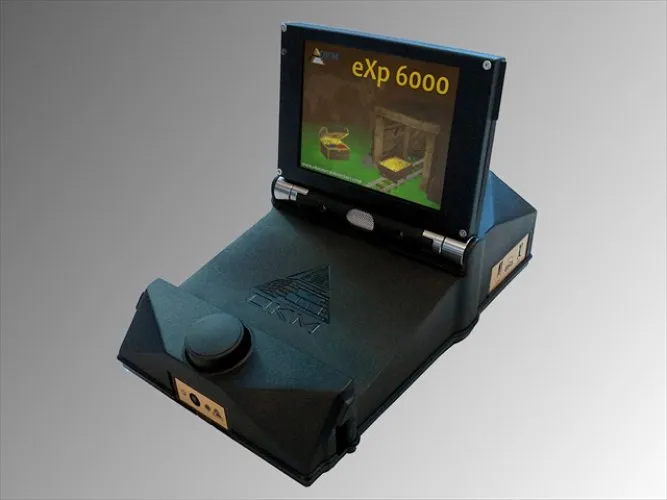
Okm Exp 6000 Professional
Okm Exp 6000 Professional Plus
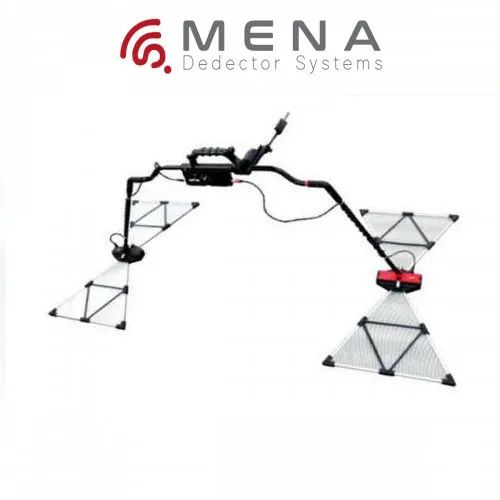
Okm - Gepard Gpr
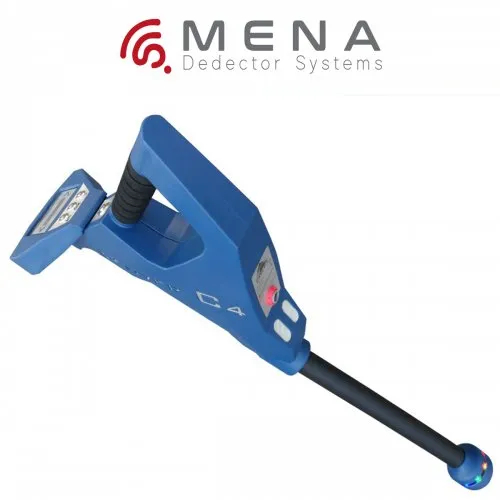
OKM Rover C4
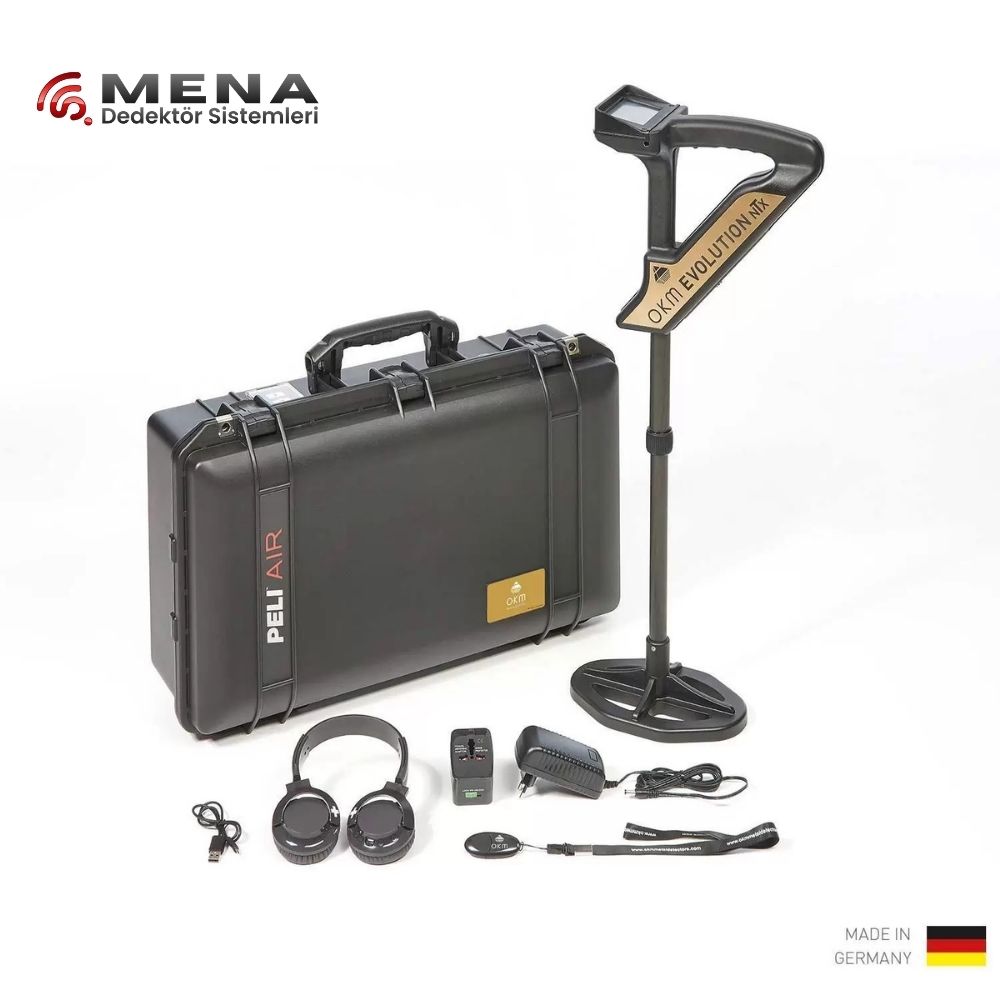
OKM - EVULOTION NTX
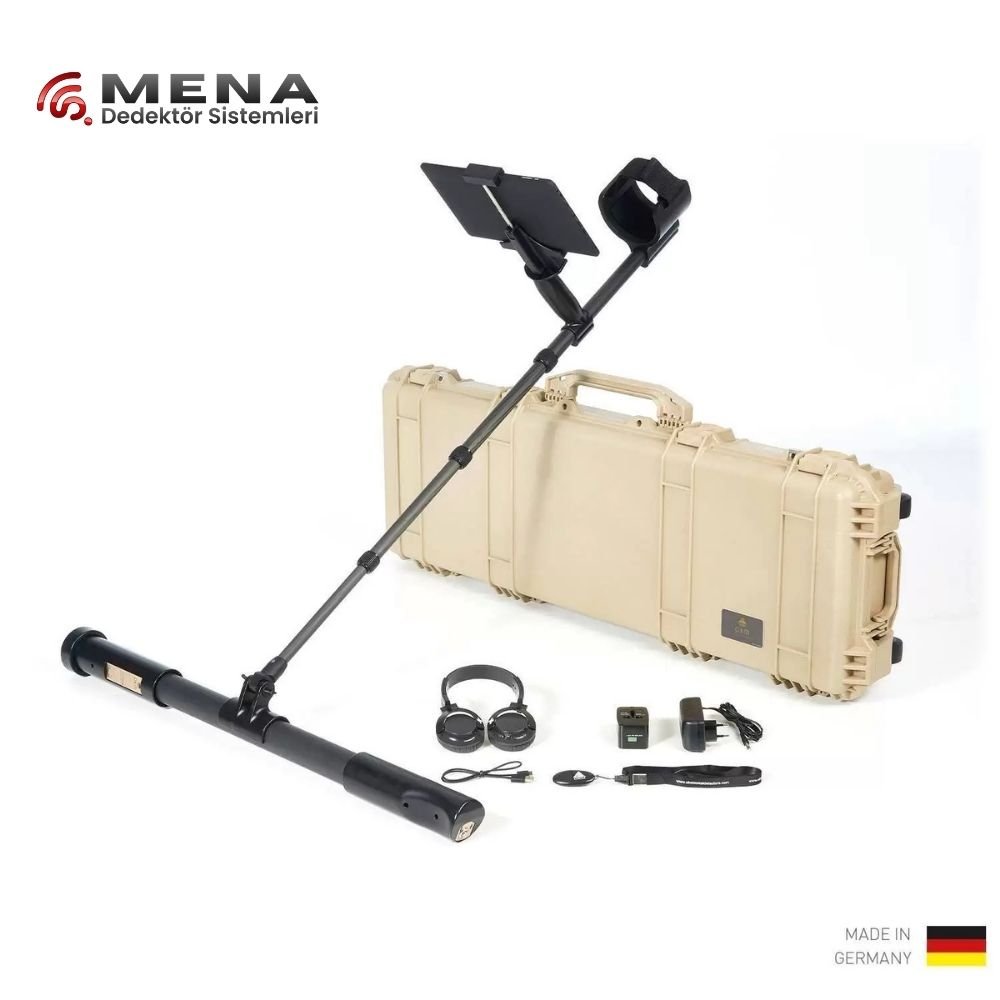
OKM - FUSION PRO PLUS
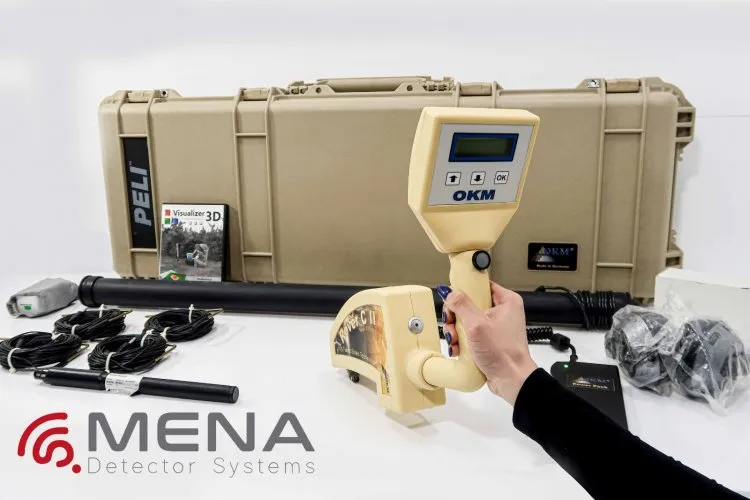
Okm Rover C2 Underground Imaging System
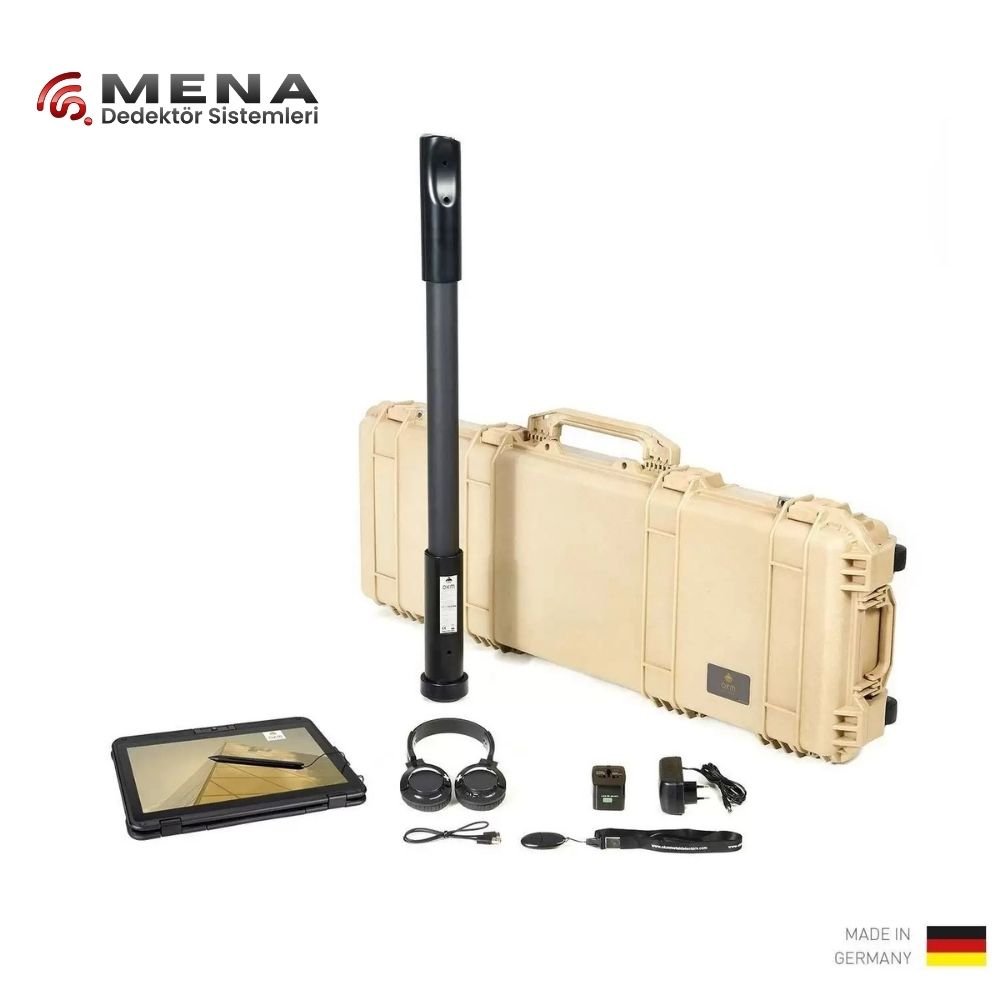
OKM Fusion Pro
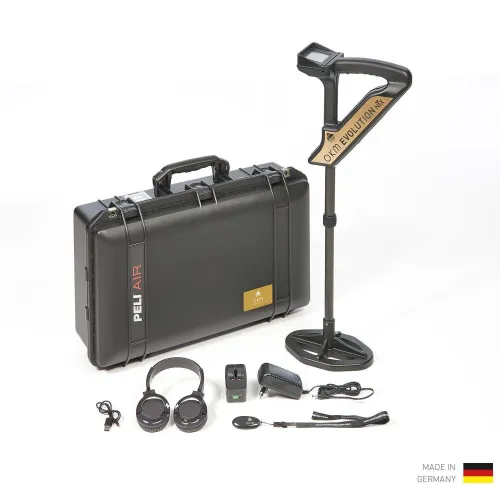
OKM Evolution NTX
![[NEW] OKM Rover UC – 2022](/uploads/products/product_1766565463_694ba657b0523.webp)
[NEW] OKM Rover UC – 2022
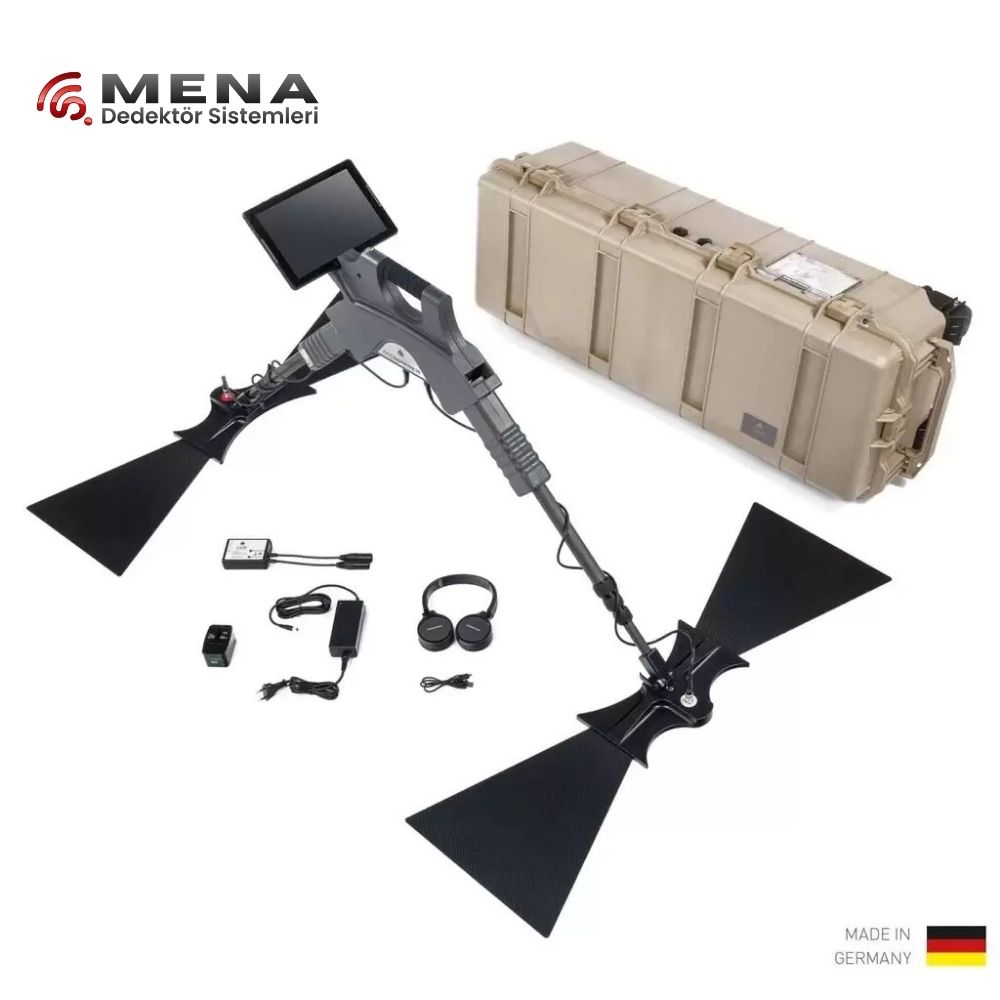
OKM Gepard GPR 3D
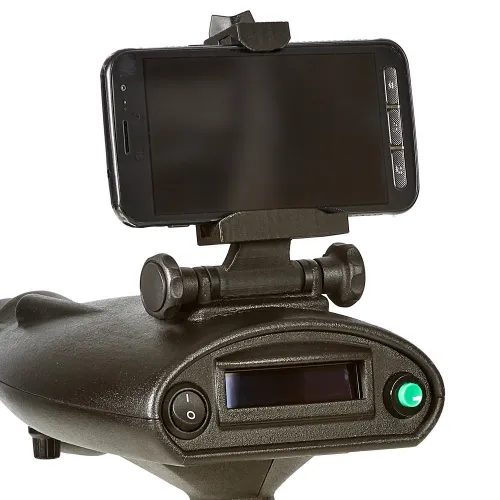
OKM Bionic X4
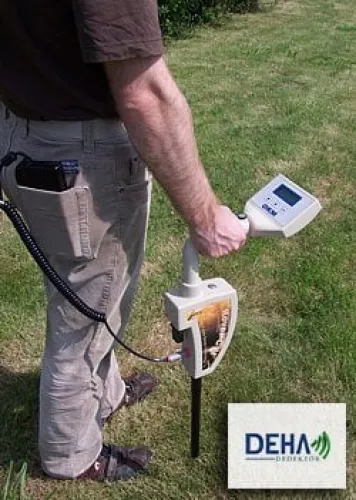
Okm - Rover C II New Edition
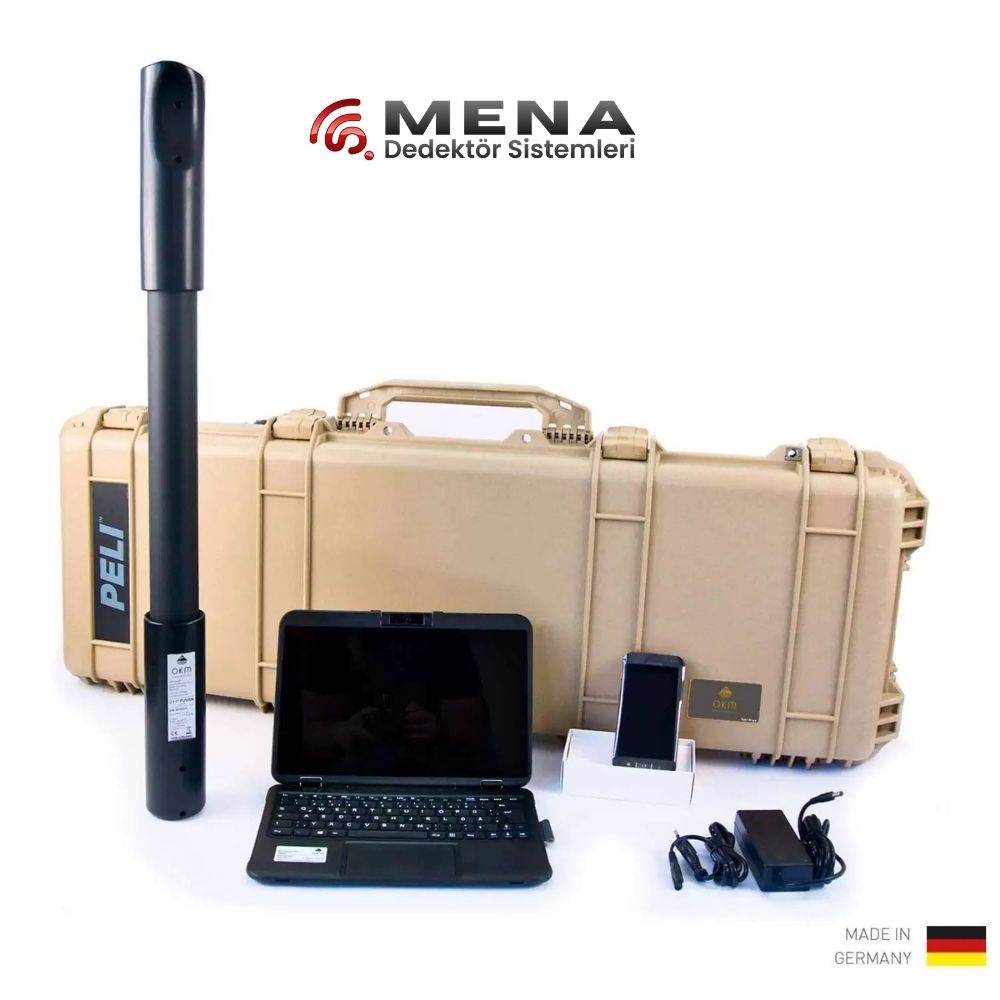
OKM Fusion Light
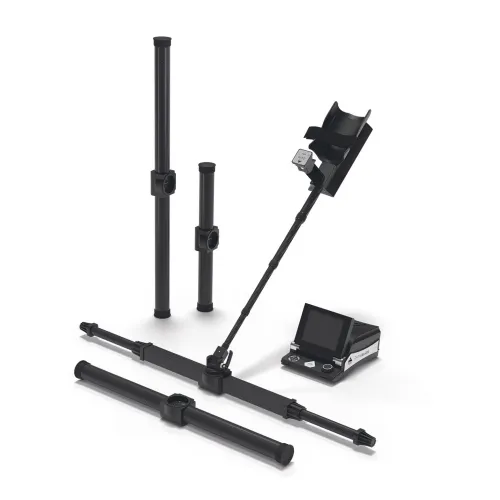
OKM eXp 6000 Pro Plus
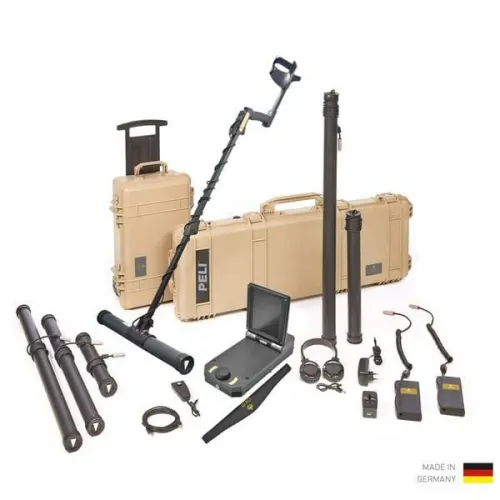
OKM eXp 4500 NT Pro Plus
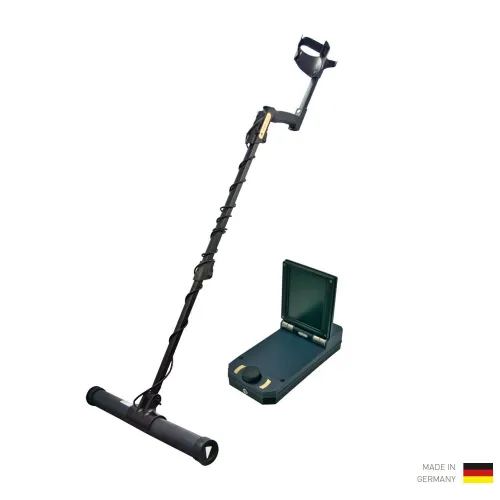
OKM eXp 4500 NT Professional
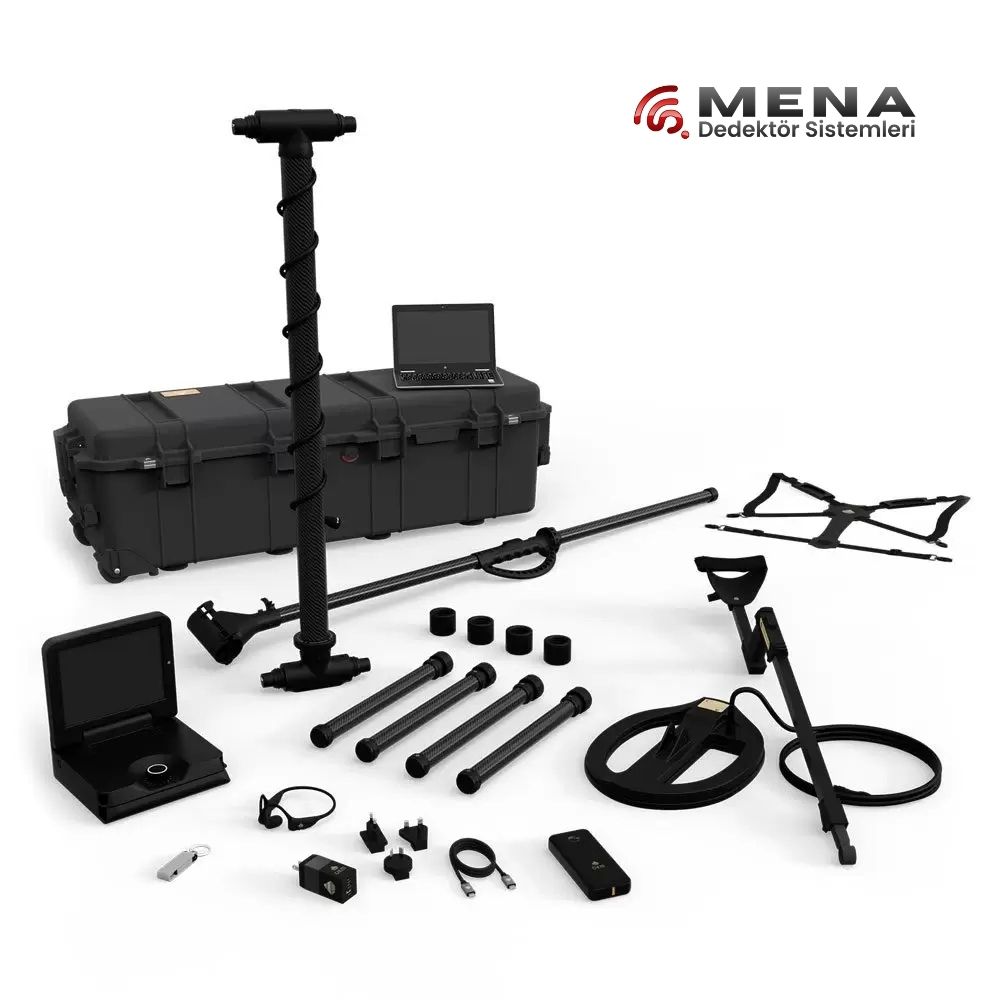
OKM eXp 7000 Professional Plus
OKM underground imaging brings together several instrument families, sensor arrangements and analysis workflows. The products in this category include Rover, Fusion, Evolution, eXp and Gepard models. That breadth is useful, but it also makes a simple ranking by price or advertised depth misleading. Start by identifying the task: locating shallow metal, mapping an anomaly across a measured grid, or examining radar profiles for subsurface boundaries. Those questions lead to different equipment requirements.
When comparing OKM products at Mena Dedektör, read the complete model name alongside its generation, supplied probes and software package. Suffixes such as Professional, Pro Plus, NT and Light deserve attention. Similar photographs do not establish identical hardware. This guide explains how to build a practical shortlist and how to compare the complete process from carrying the equipment into the field to reviewing the saved measurement at a desk.
Comparing OKM underground imaging models and generations
Begin with the model families. When reviewing OKM Rover C4, note how measurements are collected, what the operator carries and where the data is displayed. Ask the same questions about Fusion, Evolution and eXp alternatives. This produces a useful comparison of working arrangements rather than a list of names. A person moving between several small sites may value a different setup from a team spending an entire day on one carefully marked survey area.
The category contains multiple eXp 4500 and eXp 6000 listings. Do not assume that every listing represents an equivalent version of the same instrument. Ask for the complete model designation, a matching manual, the included sensor list and the supplied software licence on the quotation. A feature shown in a recent demonstration does not automatically apply to every earlier device with a similar family name.
Portability should be assessed as part of the complete kit. Consider the distance from your vehicle, the number of setups each day and the equipment needed for data review. A more extensive package is valuable when its extra components have a defined role in your work. Otherwise, additional items can add transport and setup requirements without solving the particular measurement problem you face.
OKM ground scanners and Gepard GPR: understanding the method
A three-dimensional display does not identify the physical measurement method behind it. Compare a ground radar option such as OKM Gepard GPR 3D with other scanners by asking what is measured and what the original data looks like. Radar interpretation uses reflections associated with changes in electromagnetic properties. An anomaly map produced by another sensor arrangement may look similar after processing while representing a different kind of information.
Instead of asking which instrument produces the most attractive screen image, consider the expected target, the contrast with its surroundings and the ground conditions. Target size, survey geometry and local interference all matter. A successful demonstration elsewhere is not a measured performance specification for your own site. Ask to see the original records, survey dimensions and sensor arrangement together, so that the displayed result has a clear context.
The broader underground imaging systems category can help when comparing measurement approaches. Some projects benefit from complementary methods, particularly when an initial observation needs independent checking. A colour or a high response on a processed image should not be treated as chemical identification of a particular metal. Interpretation needs repeat measurements and information about the site, not just a persuasive picture.
OKM detector prices and complete package costs
Meaningful price comparisons start with the delivered equipment. For OKM Fusion Pro and alternative packages, list the probes, control device, software, carrying equipment and power accessories separately. This makes it easier to identify optional items that would otherwise appear as additional costs later. Ask how installation and training are provided, and which tasks the training actually covers, rather than assuming that every quotation includes an identical service.
| Comparison area | Information to confirm | Why it matters |
|---|---|---|
| Model generation | Full designation and matching documentation | Separates similarly named versions |
| Sensor package | Included probes and optional components | Defines the practical measurement scope |
| Analysis tools | Licence, file support and transfer process | Determines the office workflow |
| Field equipment | Power, transport and connection accessories | Shows the complete setup requirement |
Use current product listings and a written quotation for purchasing figures. Prices and package conditions can change, so a fixed number in an explanatory category text would quickly become less useful. The photograph, item list and model designation should describe the same version. Resolve any uncertain accessory before comparing the total with another offer.
OKM Visualizer software and saved survey files
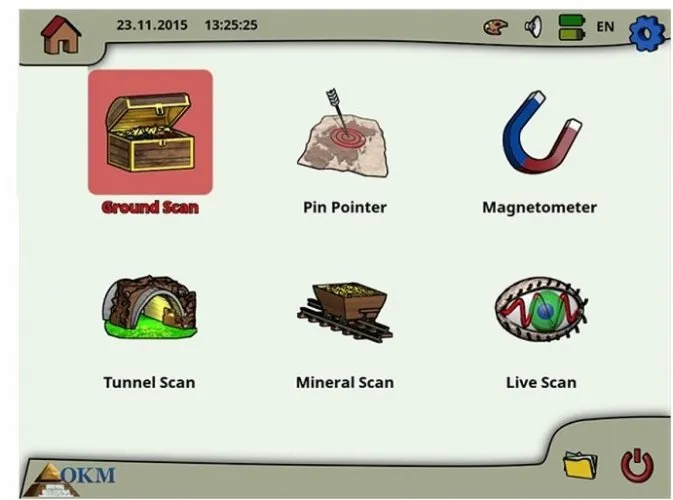
Plan the analysis stage before purchasing the field instrument. Compatibility within OKM's Visualizer tools depends on the device and software version; opening an older record is a different requirement from receiving new measurements directly from a device. Ask for a representative file from the offered equipment to be opened in the proposed software. Check access to the survey dimensions and the tools you will need, as well as the appearance of the image.
Retain the original measurement file, not only a screenshot. Record the scan direction, number of lines, physical dimensions and sensor used alongside it. A consistent name containing a date, site reference and section number makes several surveys from the same day easier to distinguish. Preserve an unchanged copy before experimenting with processing settings so that later comparisons can return to the original record.
For example, save a broad first survey and a smaller follow-up survey as separate files. Mark where the smaller area sits inside the original grid. Without that relationship, two images with different dimensions or sampling arrangements can be compared incorrectly. A more detailed appearance does not, by itself, show that a deeper measurement was obtained.
Which OKM imaging system is best for your work?
Define the best OKM system through the requirements of your work rather than a universal winner. When considering an extensive option such as OKM eXp 7000 Professional Plus, ask which task each supplied sensor will perform. A simpler arrangement may be sufficient for a clearly defined survey routine. A team working with several measurement needs may instead benefit from a broader package, provided the additional components can be used and interpreted competently.
A comparison demonstration on the same area is particularly useful. Include assembly, preparation, recording, transfer and reopening a file in the evaluation. Do not time only the walking stage. Readability of the interface, clear orientation on the ground and the ability to recognise a poor record influence daily productivity. During training, ask to see an imperfect survey and how its limitations are identified.
Also ask what you should check when a result is unclear. A useful answer separates settings, sensor handling, site conditions and processing choices. If all uncertainty is explained with a single claim about depth, the demonstration has not shown enough of the working method. Understanding the limits of a particular setup gives a stronger basis for selection than treating an advertised maximum as a routine result.
Checking an OKM purchase before the first field session
Keep the quotation, component list and software details together. Compare the designation on the delivered instrument with those documents, including NT, Professional and Plus suffixes where applicable. Check probes, connectors and power accessories against the list. Then save and reopen a first measurement to test the complete chain, from collecting data to finding the record again.
Choose a small, orderly practice area for the initial session. Mark a start point, repeat the measurement and retain records collected from different directions. These provide a useful reference when moving to a larger site. Note any changes made between attempts rather than adjusting several settings at once. A clear early routine helps connect the instrument's features with the actual survey tasks you intend to perform.
Finally, decide who will keep the files and how the team will label them. A device can be shared successfully only if later users can understand the previous operator's notes. Even a simple field sheet with the site reference, equipment version and scan dimensions can prevent substantial confusion when reviewing measurements several weeks later.
Frequently Asked Questions
Are all OKM devices ground penetrating radar?
No. The category includes different instrument families and sensing arrangements. Confirm the measurement method for the exact model rather than inferring it from a 3D display.
Are OKM Pro and Pro Plus identical packages?
Similar names do not establish identical contents. Compare the full version, supplied probes, software and delivery list.
Do OKM prices include a computer and software?
That depends on the offered package. Confirm the control device and licence in the product information and written quotation.
Can new software open older OKM scans?
Check the device, file format and software version together. Test a representative file before relying on compatibility for an existing archive.
Does a 3D image prove that a target is gold?
No. The image presents interpreted measurement data. A colour or shape alone cannot establish the chemical identity of a material.