

GER Underground Imaging Systems
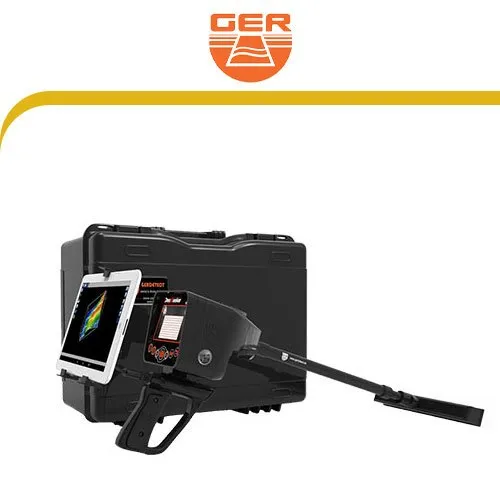
Ger - Deep Seeker
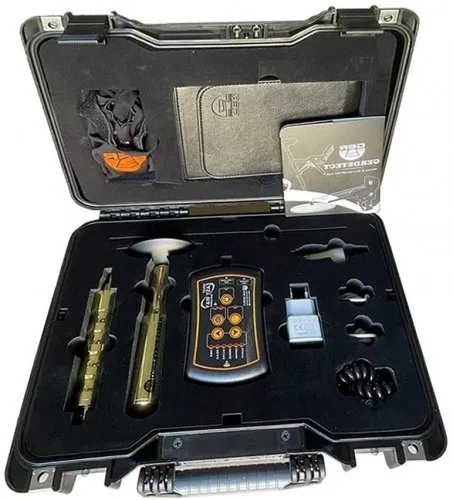
Ger - Easy Way Dual
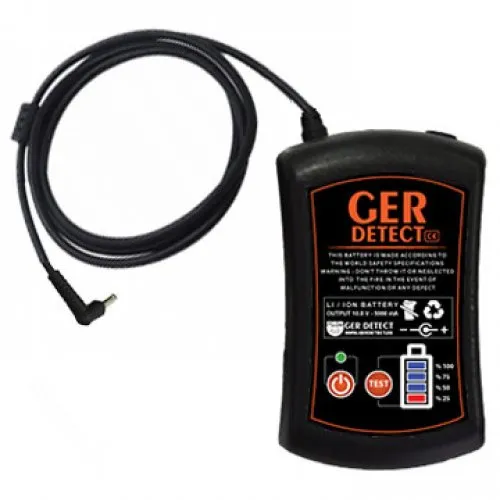
Ger -Fresh Result 2
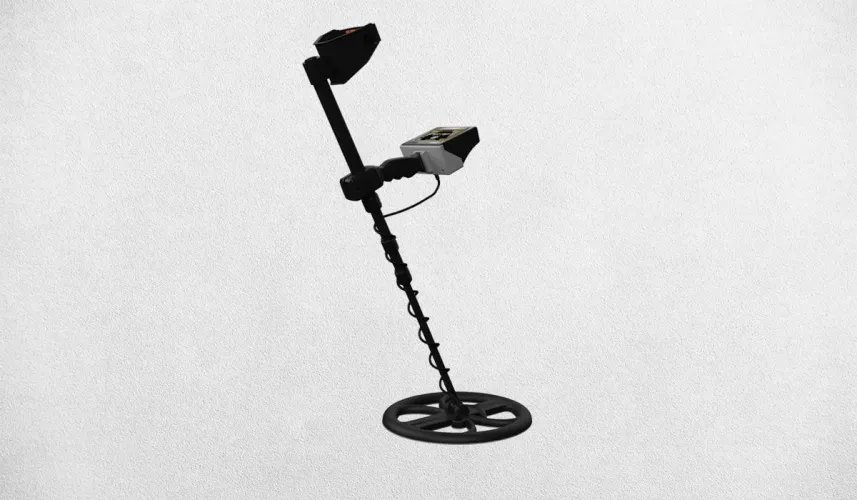
Titan Ger Golden Way Treasure Detector
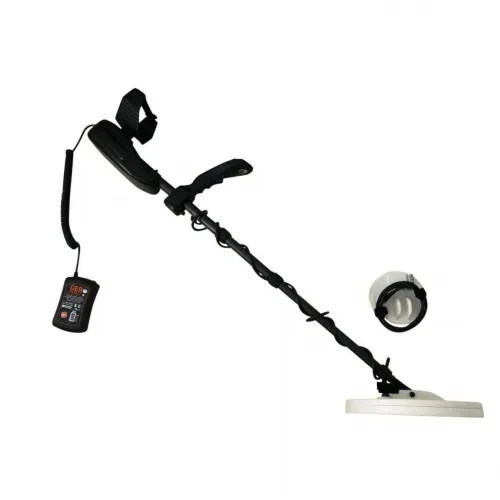
Titan Ger Gold Seeker Treasure Detector
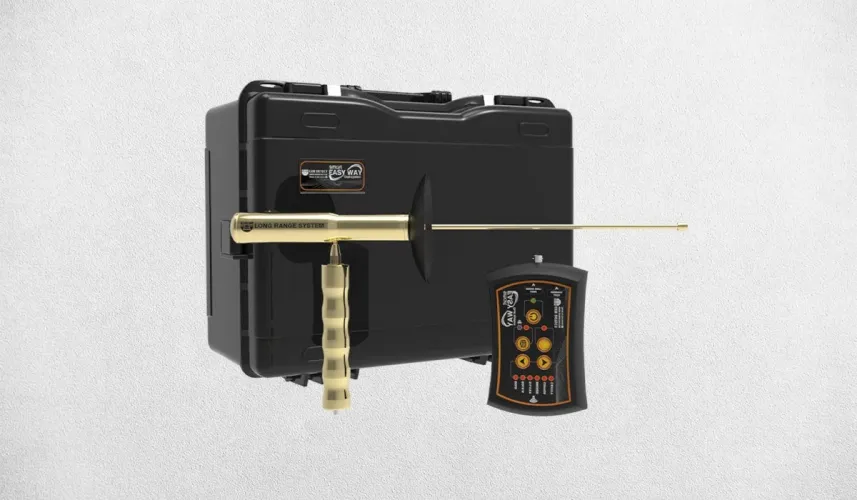
Titan Ger Easy Way Smart Dual System Underground Imaging
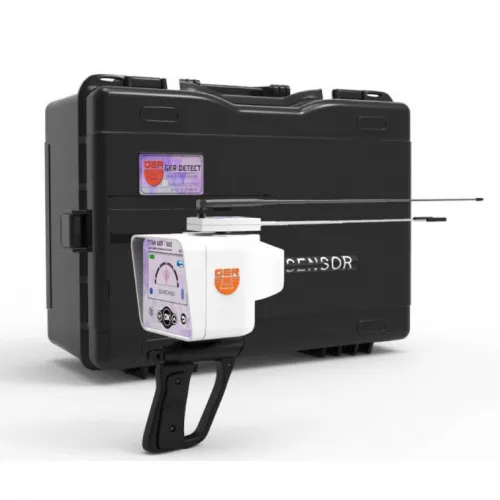
Titan Ger 500 Plus Device Gemstone Detector
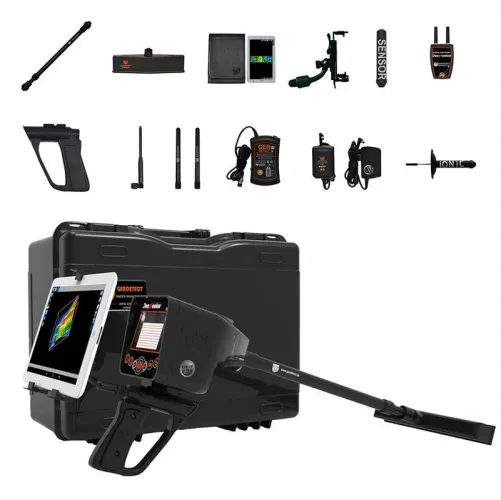
Titan Ger Deep Seeker Device Underground Imaging
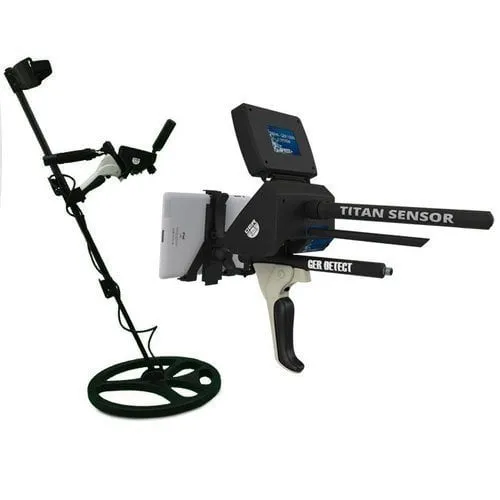
Titan Ger 1000 Underground Imaging System
GER underground imaging devices and the Titan range
The GER underground imaging category brings together products carrying Deep Seeker, Easy Way, Fresh Result and Titan names. Alongside imaging systems, the list can include options presented for metal, gemstone or water investigation. Begin with the purpose of your project rather than the brand heading alone. Placement in this category does not establish that every device produces the same type of imaging file.
Describe the output you need before selecting a GER model. Do you want a structured record of an area, a particular investigation method or several systems used together? The answer determines which sensor and operating mode deserve attention. A system count or target list does not, by itself, explain how a useful measurement is collected or assessed.
GER Easy Way Dual and Easy Way Smart Dual System
Ger - Easy Way Dual and Titan Ger Easy Way Smart Dual System Underground Imaging require careful identification because their names are similar. Terms such as “Smart” and “Dual System” should be treated as part of the complete product identity. Match the label, sensor and software before applying one version's manual to another. Technical comparison remains incomplete if the exact equipment in the offer is unclear.
The manufacturer presents the Easy Way Smart family with imaging and long-range search functions. Their outputs should not be substituted for one another. A recorded survey along planned lines and an indication used during directional searching are different types of information. Examine the setup, components and output of each function separately, so that a demonstration of one mode is not treated as verification of the entire system.
If an imaging application is used, establish its name and the device versions it supports. Similar screenshots across the brand do not prove that one program works with every model. Connection, recording and reopening a file can be demonstrated in one complete exercise. If you intend to use your own phone or tablet, carry out the trial under comparable hardware conditions.
GER Deep Seeker and Titan 1000 imaging options
When reviewing Ger - Deep Seeker, Titan Ger Deep Seeker Device and Titan Ger 1000 Underground Imaging System, check the scope of each system against the individual product. A device offering several methods may require different sensors or connections for different modes. Changing components and selecting the correct software are part of daily use. Assess them through a practical setup rather than only a feature list.
Choosing a multi-system option does not mean every system must be used during every field session. Collecting suitable data with the required method comes first. Separate file names and field notes prevent outputs from different modes becoming confused. Directional-search notes and a recorded imaging survey should retain their own identities even when they concern the same area.
| Listed product group | Selection question | Distinction to retain |
|---|---|---|
| Easy Way options | Which exact version and application? | Imaging versus directional searching |
| Deep Seeker and Titan 1000 | Which system and components will be used? | Separate setup and recording procedures |
| Golden Way and Gold Seeker | What method does the product use? | Metal searching versus area imaging |
| Fresh Result and Titan 500 | How is the water or gemstone purpose defined? | Advertised target versus verified measurement |
Target menus and interpretation in GER detectors
Names such as Golden Way, Gold Seeker, Fresh Result 2 and Titan 500 Plus direct attention to different investigation purposes. However, selecting a target in a menu does not establish conclusive chemical identification of material underground. Learn what the selection changes in the system and how it relates to the measurement. Interpret the result according to the method, not simply according to the target name selected.
Likewise, avoid assigning material names directly to colours in an imaging record. Establish what the sensor measures and how the software processes that information. The same palette may be applied to automatically adjusted ranges in different files. Similar colours then do not necessarily indicate the same measurement magnitude, object size or material.
During a demonstration, note the settings changed by the operator. If the display changes, distinguish a new measurement from a different presentation of existing data. Reopening the record and comparing it with the original view is a practical way to learn that distinction. Keep processed versions separate from the original file so that later interpretations can be traced.
Several methods indicating the same location do not automatically make an identification conclusive. They may share environmental influences, or the records may have been aligned incorrectly. The area sketch, origin and collection sequence therefore matter. Clearly describing the observed variation is more informative than assigning a target name with a level of certainty the data cannot support.
GER underground imaging prices and packages
When comparing GER imaging prices, record the exact product name and the systems you intend to use. Sensors, connecting parts, power equipment, viewing hardware and software scope may explain price differences. A larger package within the same family is not necessarily required for your investigation. Check current product cards and compare the offer with the components needed for your own workflow.
Establish how software installation, licensing and device pairing are handled. The process for replacing a phone or reinstalling an application should be clear. Verify support and warranty scope in the offer rather than assuming identical terms for all products. This is especially useful when several options carry different version names but appear similar in catalogue photographs.
Transport and preparation also affect the cost of use. One person setting up a system with several components may need a different time plan from someone using a simpler arrangement. During a demonstration, watch the equipment being unpacked, the appropriate components selected and the measurement completed. The weight of unused accessories and the operator's movement through the area can matter in daily practice.
Choosing the best GER imaging device
A clear objective makes the GER shortlist easier to manage. A user who only needs an imaging record may prioritise collection and review. A team familiar with several methods may give more weight to changing between systems. Both still require an exact version, defined components and compatible software. An incomplete feature list cannot support a dependable ranking.
The main underground imaging systems category provides alternative measurement approaches. Make the final GER comparison using the same small area, recording objective and delivery inspection. If you can reopen the sample file yourself and explain its orientation and settings, you have a more concrete understanding of the workflow. This focuses the decision on your actual use rather than the length of an advertised target list.
For a team, agree on who records field notes and who handles the application before the first survey. Keep mode changes in the notes, including any sensor replacement or interrupted connection. These details are easy to overlook when several functions are being demonstrated quickly. A simple division of responsibilities helps prevent a file from being saved under the wrong method or associated with the wrong part of the area.
After the trial, list the steps that still require assistance. These may concern software access, interpreting a scale or preparing a particular sensor. Resolving them before purchase is more useful than assuming that a familiar-looking interface will make every function straightforward. It also provides a focused basis for discussing any instruction included in the quoted package.
Frequently Asked Questions (FAQ)
Are Easy Way Dual and Easy Way Smart Dual System identical?
Do not conclude that from the names. Confirm the exact model, sensor and software version.
Does selecting a target provide conclusive material identification?
No. The setting's role and the method's limitations must be assessed from the technical information.
Does every GER product here produce an imaging file?
Check the function for the individual model and mode; the category includes different investigation purposes.
Do all modes in a multi-system device use one sensor?
Do not assume so. Match each mode's hardware requirements to the delivery list.
Are a phone and application included in GER prices?
Confirm the package contents, licence and compatible viewing equipment for the current offer.